New in 0.16: upstream mirroring →

Your PHP packages, under your control, installing every time.

We think private packages should be simple to host and easy to control, and a deploy shouldn't fail because Packagist or GitHub is having a bad day. Packistry is an open-source Composer registry that runs in one container.

Free and open source under GPL-3.0

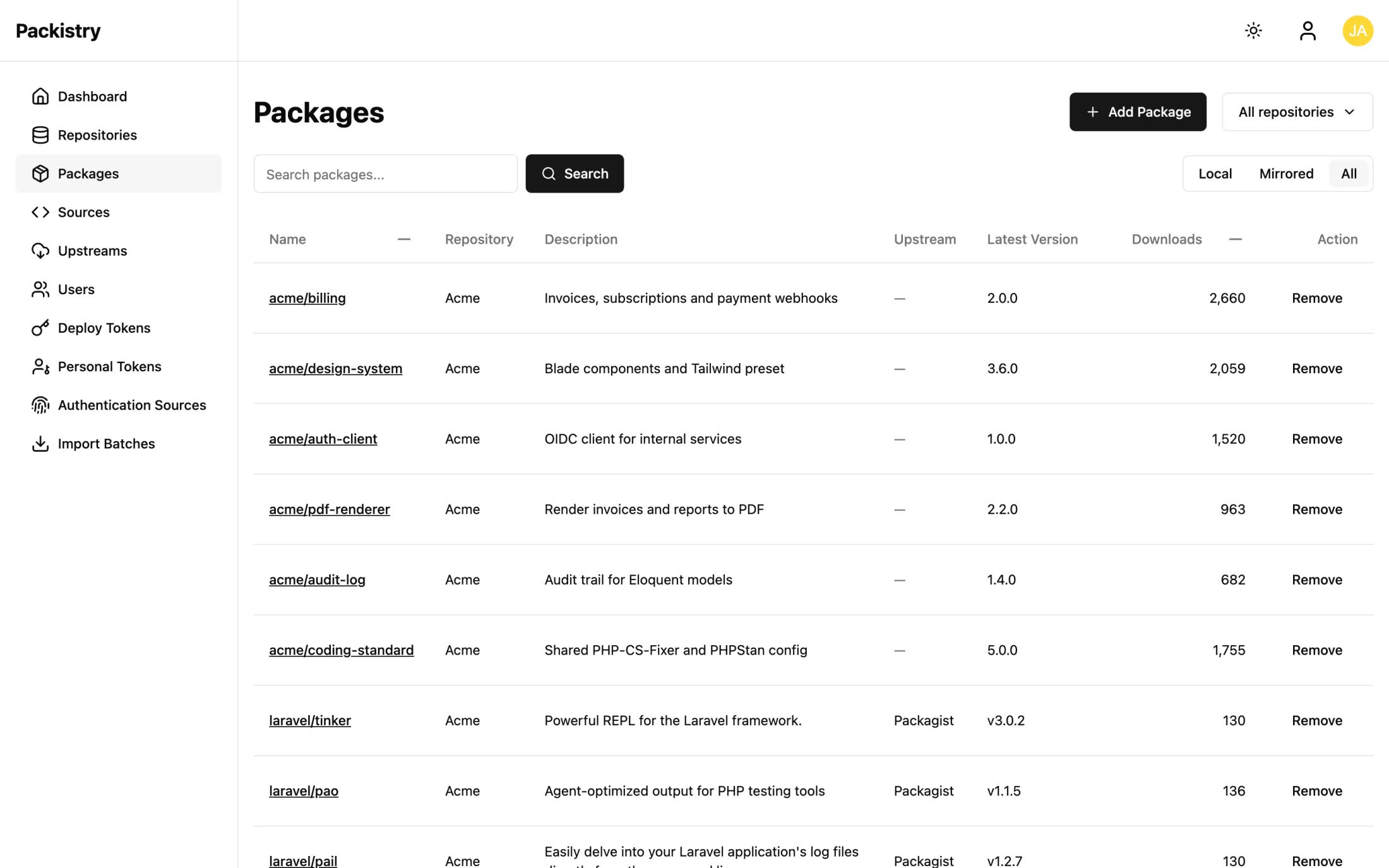
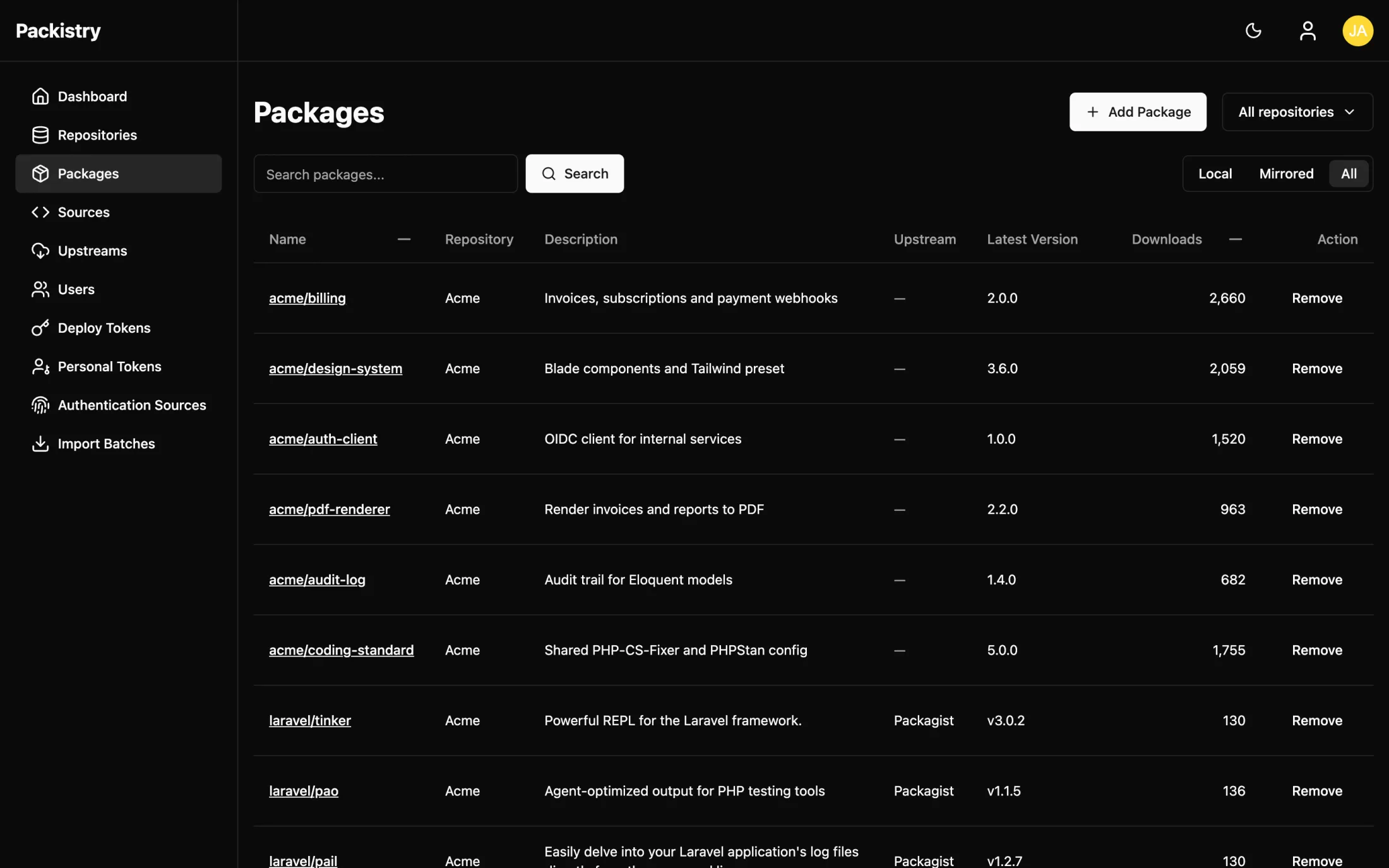
The Packistry packages page, listing private and mirrored packages

From docker run to composer install in four steps

No build pipeline, no extra services. Here's the whole path.

  1. Start the container

    One Docker image with SQLite built in, so there is nothing else to install.

    echo "APP_KEY=base64:$(openssl rand -base64 32)" > .env
    docker run -d --name packistry -p 80:80 --env-file .env \
    -v packistry-data:/data ghcr.io/packistry/packistry:latest
  2. Connect your code

    Link GitHub, GitLab, Gitea or Bitbucket and Packistry adds the webhooks for you, so new tags arrive on their own. No Git host? Upload zips from CI with a write token.

  3. Point Composer at it

    One line in composer.json, and your team keeps using Composer the way they always have.

    composer config repositories.packistry composer https://repo.example.com
  4. Mirror upstreamsOptional

    Add Packagist or a private registry, and cached packages keep installing during their outages.

What you get

Yours to run

Open source under GPL-3.0. Packages, tokens and download data stay on your infrastructure, in SQLite, MySQL or PostgreSQL, with archives on disk or in S3.

Browse the source →

Releases import themselves

Push a tag and the webhook brings in the new version, branches included. No manual sync, no rebuild step.

Add a source →

Tokens with just enough access

Deploy tokens for CI, scoped to whole repositories or single packages, and personal tokens for your laptop. Read or write, with an optional expiry date.

About tokens →

Sign in with what you already use

SSO through OpenID Connect (Okta, Keycloak, Entra ID), GitHub, GitLab, Bitbucket or Google. New users get a default role and repository access on their first login.

About SSO →

See what gets installed

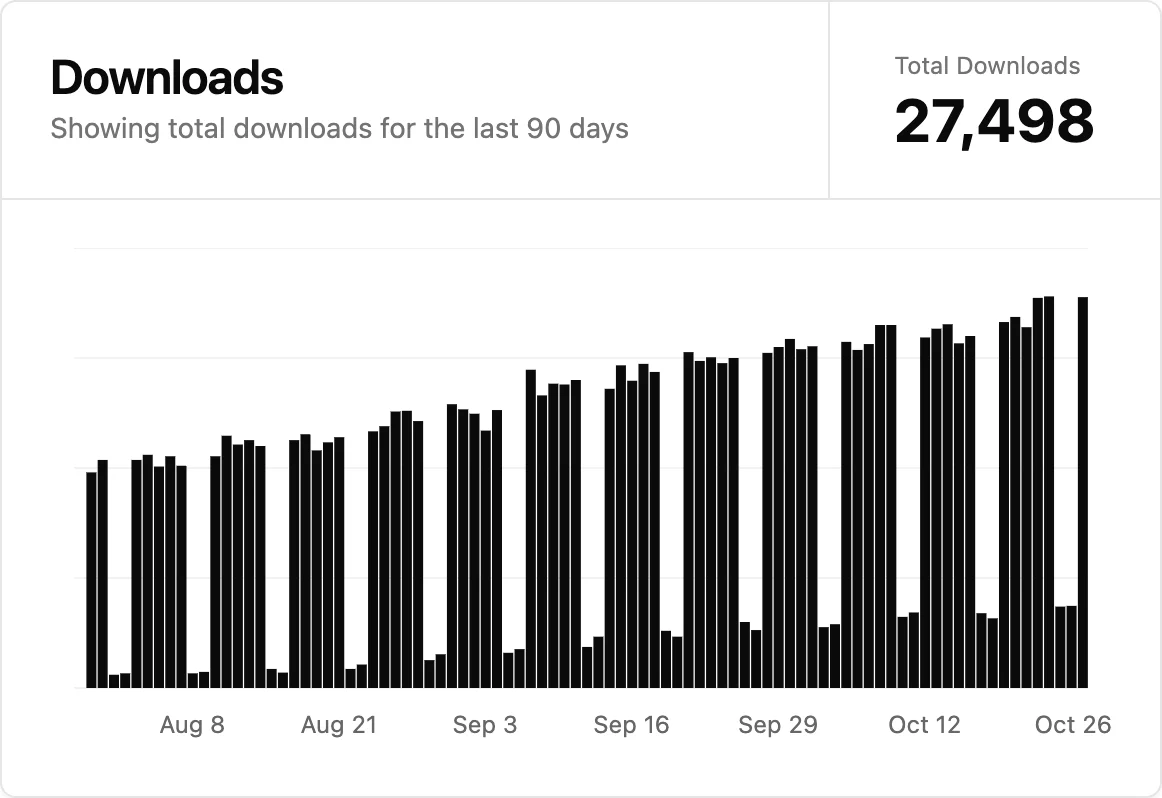
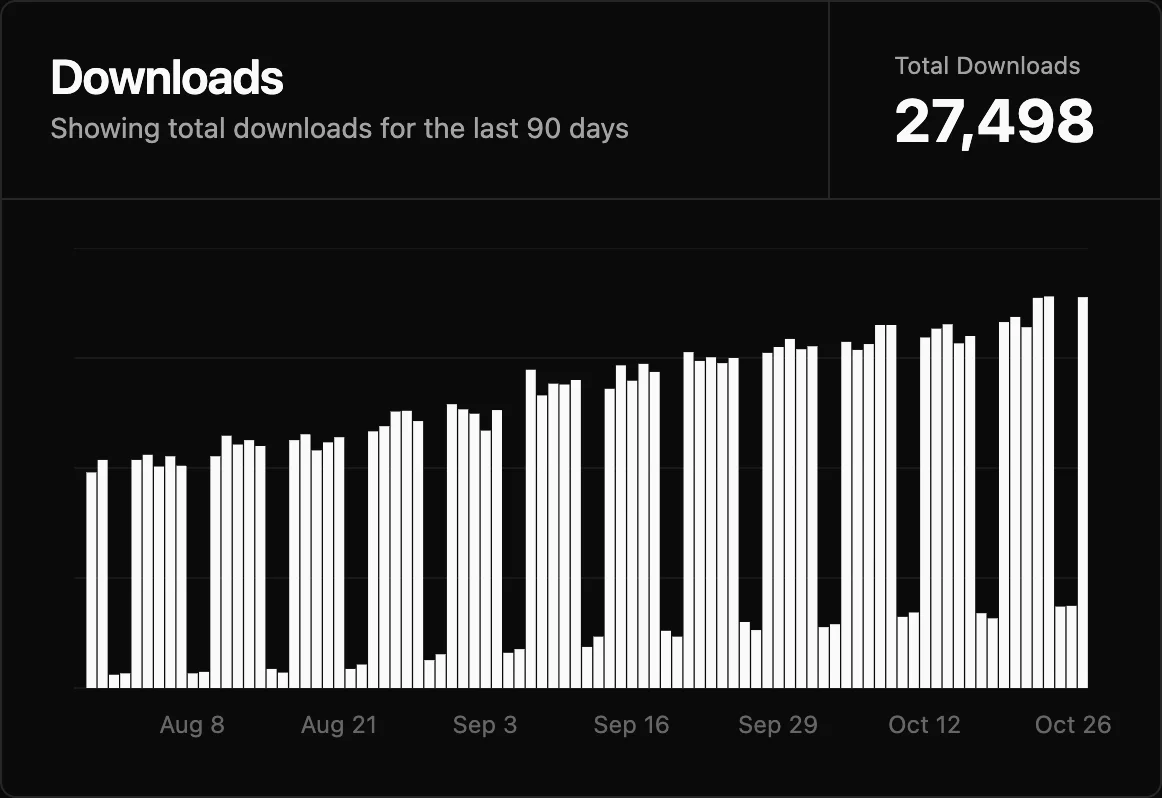
Download counts per package, with 90-day charts on the dashboard and on every package page.

The Packistry dashboard with a chart of downloads over the last 90 days

Set it up this afternoon.

Three commands, and you have your own registry running. When you're ready for HTTPS, MySQL or S3, the guides take it from there.

echo "APP_KEY=base64:$(openssl rand -base64 32)" > .env
docker run -d --name packistry -p 80:80 --env-file .env \
-v packistry-data:/data ghcr.io/packistry/packistry:latest
docker exec -it packistry packistry add:user

Found a bug or missing something? Open an issue on GitHub.